

Open Preprint Systems
Accelerate research with a preprint server where researchers can upload datasets, revise papers before publication, and link preprints to the final published work.



Everything a preprint server needs
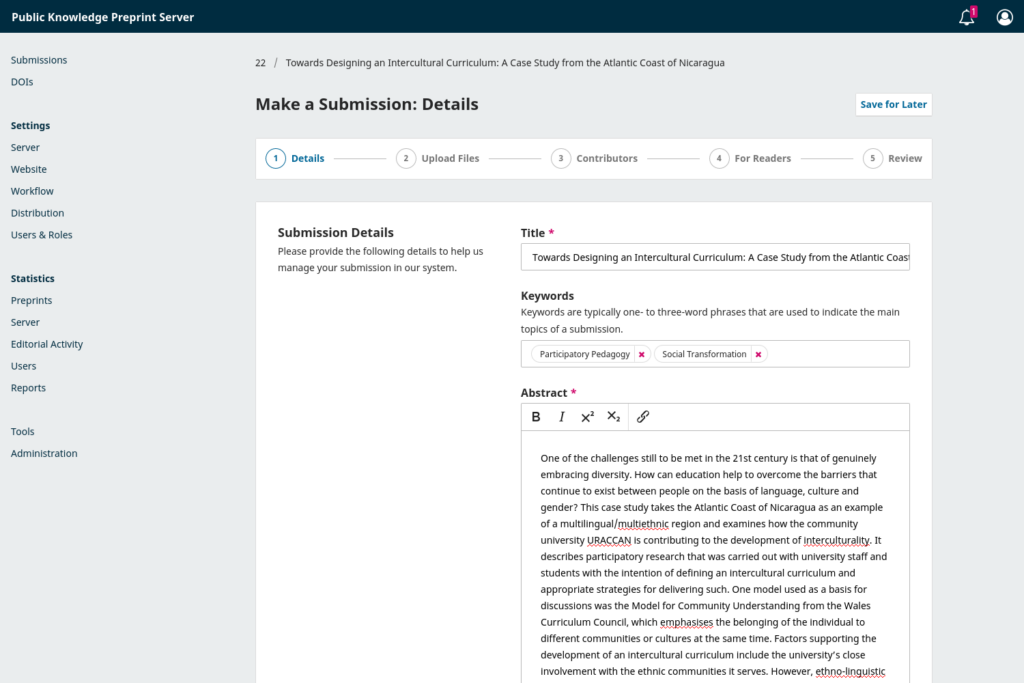
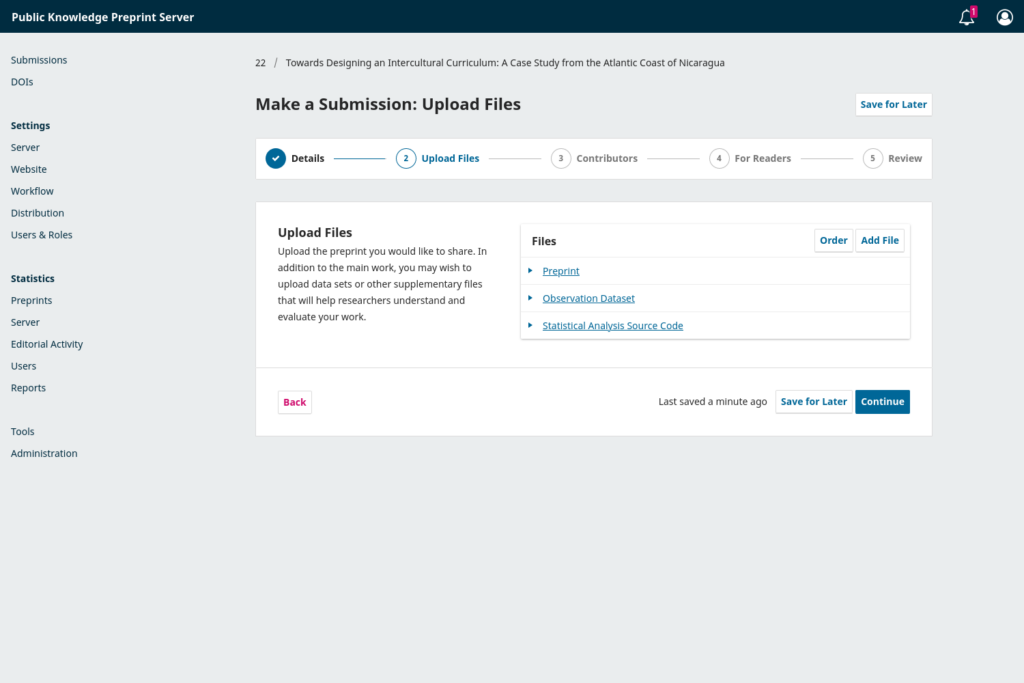
Post Preprints
Invite scholars to share preprints and research data through an easy, step-by-step submission wizard.
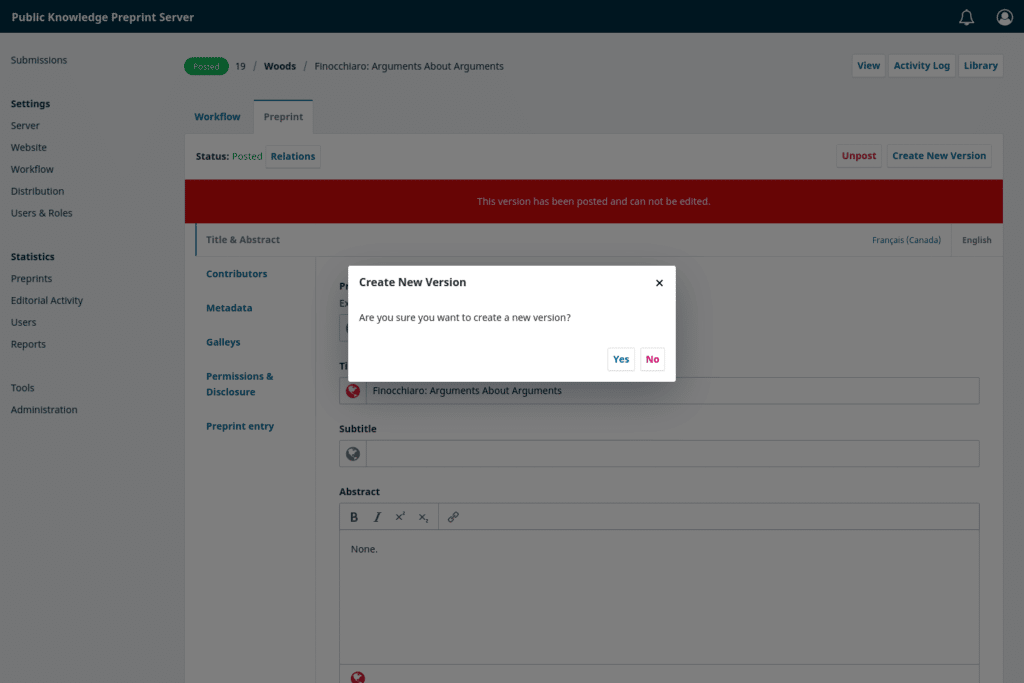
Update Preprints
Allow researchers to post frequent updates as they accumulate data and work towards publication.
Distribute
Drive the dissemination and discovery of new research through Google Scholar, Crossref, OAI-PMH metadata harvesters, and more.
Key Features
Software for anyone to run a preprint server anywhere. Built on the same powerful, flexible foundations as OJS.
-
Multiple languages
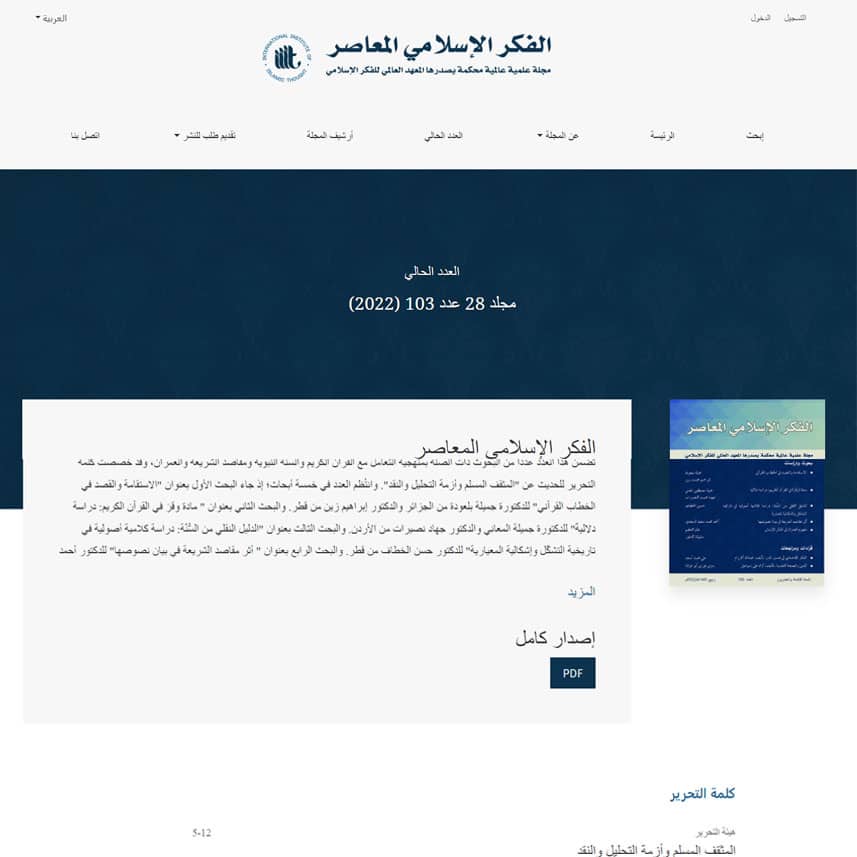
Born in multilingual Canada, our software allows authors to post preprints in one or two or as many languages as you need.
-
Moderation
Screen preprints before they go public and set a moderation policy for trusted authors.
-
Preserve the scholarly record
Track changes to preprints with versioned metadata and link preprints to their published version of record.
-
Your preprints, your brand
Create a custom theme for your preprint server or customize our responsive default theme to fit your brand.
-
Rich publication metadata
Share your work in machine-readable metadata formats like Dublin Core and OAI-PMH.
-
Indexing and archives
Automatically distribute your work to scholarly indexing services like Google Scholar and Crossref.
-
Global scholarly infrastructure
Integrate with established and emerging industry standards such as DOIs, ORCID authentication and ROR affiliations.
-
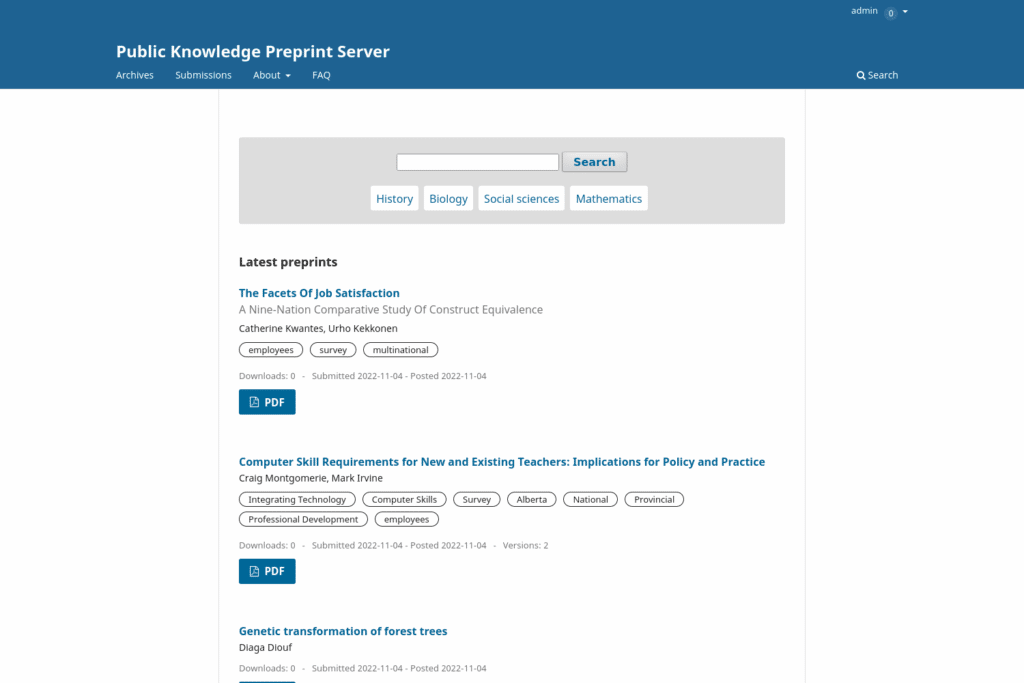
Find research quickly
Help researchers search and browse the preprints organized by subject, discipline, or any categories you want.
-
Own your data
No lock-ins or walled gardens. Use import/export tools to take your data anywhere, even to a different platform.
-
Track your success
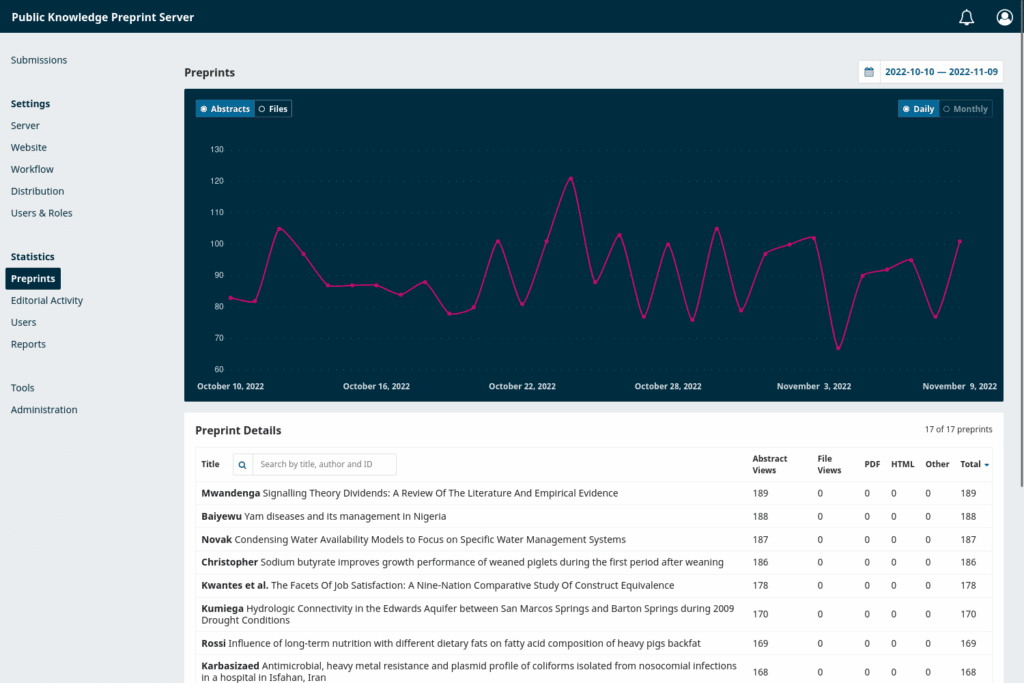
View detailed reader statistics for each preprint posted to your server.
-
Audio/video and datasets
Researchers can post audio and video files or research datasets alongside full-text Word, PDF and HTML files.
-
Run one or many preprint servers
Every installation of OPS can run one or many preprint servers.

“At SciELO, we use OPS because it is open-source, multilingual, interoperable and engaged with the community. We recommend it for any institution that shares the same values.”
— Alex Mendonça, Online Submission & Preprints Coordinator at SciELO Brazil
How It Works
Hosting & Other Services
Want to focus on publishing and have the technical work of installation, hosting, troubleshooting, and upgrades taken care of? PKP offers complete hosting and support plans for OJS, OMP, and OPS, plus training, consulting, and custom development.





Get Help & Support
There’s plenty of help when you need it. Learn what’s available from PKP and our community of thousands of scholarly communications professionals.
Training
Get your whole team up and running quickly with these training resources, including how to set up and run a preprint server.
Documentation
Comprehensive documentation on how to install and use our software, along with helpful guides on how to get indexed, keeping your software up-to-date and secure, and a whole lot more.
Community Forum
Join hundreds of editors and publishers on our Forum, where our community asks and answers questions, and shares tips on how to achieve their publishing goals.

The PKP Story
For more than two decades, PKP has helped researchers, scholarly societies, and academic libraries take back control of the scholarly publishing in the service of they and their colleagues’ work.

Why Open Source
The principles and practices of open source software enable everyone to participate in open access publishing, because scholarly infrastructure should be as open as the science.